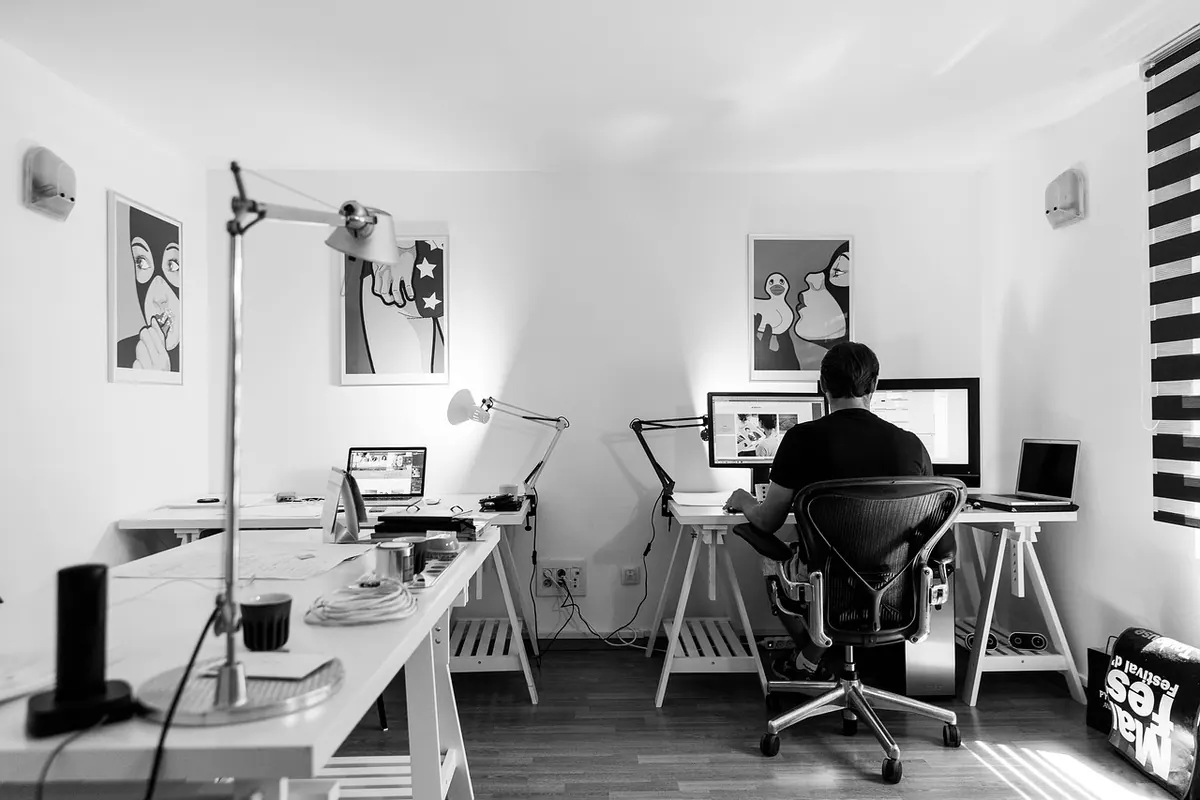
Monitor Height and Distance: The Ergonomics Explained
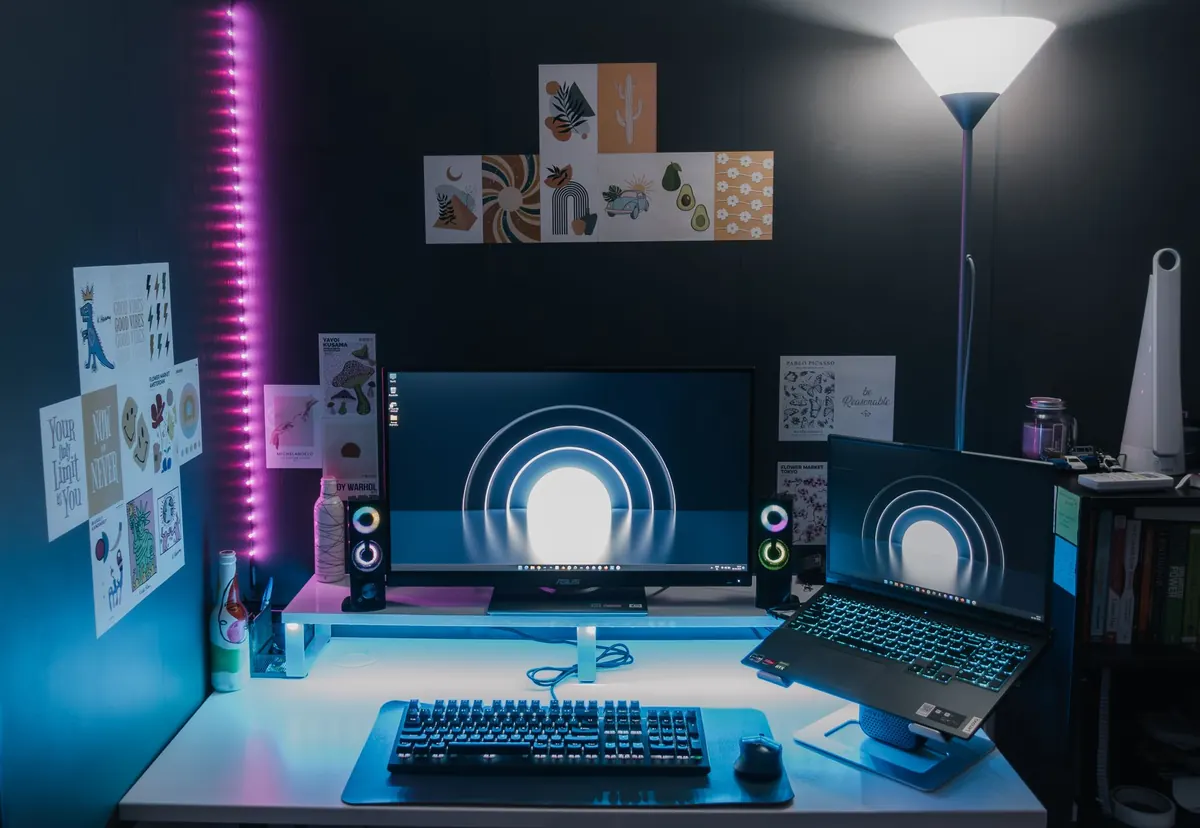
You feel it around hour six. Not pain exactly, more a tightness at the base of your skull and a habit of pushing your chin forward that you only notice when you finally stop. Nobody sets out to sit badly. It happens because the screen sits wherever it landed when you unpacked the box, and your body spends the rest of the day negotiating with that decision.
The good news is that these adjustments are small, cheap, and permanent once you get them right. Three variables do most of the work: height, distance, and tilt.
Let Your Eyes Set the Height
The old advice was to put the top of the screen at eye level. That is close, but it is worth understanding why. When you sit relaxed and look straight ahead, your natural resting gaze drifts downward by roughly ten to twenty degrees. If the screen sits below that line, you fold your neck forward to meet it. If it sits above, you tip your head back and hold it there, which loads the muscles at the back of the neck and between the shoulder blades.
So the practical target: the top edge of the screen at or just below eye level, with the bulk of what you read landing in the upper-middle of your field of view. Most people find the top third of the screen is where the work should sit.
Close your eyes, let your head settle, then open them. Your gaze should land near the top of the screen without you moving your neck at all.
If it lands on your keyboard, the screen is too low. If you are looking up at it, it is too high. Books, a stack of sturdy boxes, a monitor riser, or a gas-spring arm all work. The arm is worth the money if you share a desk or switch between sitting and standing, because you can move the screen with two fingers instead of rebuilding a tower of books.
Viewing Distance and the Arm's-Length Rule
Sit back against your chair, extend one arm, and let your fingertips just brush the screen. That distance, roughly 20 to 28 inches for a typical monitor, is a reasonable starting point for most people. Larger screens want more room. A 27-inch display usually feels better around 30 inches or more, while a small laptop screen can sit closer.
The real signal is what your body does. If you keep catching yourself leaning in, something is wrong, and it is usually not the distance. Shrinking the distance to compensate for small text is the wrong fix. Increase the font size or the system scaling instead, then push the screen back to a comfortable range.
Tilt: Small Angle, Big Difference
A screen standing perfectly vertical is rarely the best orientation for a seated person, because your eyes are angled downward. Tilting the top of the screen back by about ten to twenty degrees brings the surface closer to perpendicular with your line of sight, which reads more evenly across the whole display and takes pressure off your eyes.
Tilt also changes where reflections land. The ceiling lights that show up as bright smears on your screen are hitting it at an angle and bouncing straight into your eyes. Adjusting the tilt shifts those reflections away from your seated position. Push the angle too far, though, and you start catching windows behind you instead. Ten or fifteen degrees is usually the sweet spot; adjust by a few degrees at a time and watch what happens to the brightest reflection on the screen.
A Setup Sequence That Actually Sticks
Work in this order. Changing one thing at a time keeps you from chasing your own adjustments.
- Set the chair first. Feet flat, thighs roughly level with the floor, lower back supported by the chair's curve rather than by your own muscles.
- Raise the screen. Add height until the top edge sits at or just below eye level while you sit back.
- Set the distance. Arm's length to start, then nudge it within a few inches in either direction and notice which feels easier after a few minutes.
- Tilt slightly back. Ten to twenty degrees, watching for glare as you go.
- Bring the keyboard and mouse close. Elbows near ninety degrees, wrists straight, upper arms hanging near your sides.
- Fix text size last. If you still lean in, the font is too small, not the monitor too far.
Laptops, Two Screens, and Standing Desks
Laptop-only setups
A laptop puts the screen and keyboard in one place, which means one of them will always be wrong. Choose the screen: raise the laptop on a stand or a stack of books and add an external keyboard and mouse. Your neck will thank you within a week.
Two monitors
Center the monitor you use most and turn your whole body toward it, not just your eyes. Put the second screen at a gentle angle off to the side, close to the same height, so you are not tilting your head up or down to switch. If you split your time evenly between both, accept that you will spend the day slightly off-center, and rotate your chair rather than your neck.
Standing desks
The same rules apply, but your eye level is higher, so the screen moves up with you. Stand tall, let your arms hang, and check that the top of the screen is still at or just below your eyeline. Many people need the monitor a touch farther away when standing.
Glare Is Half the Problem
You can have perfect posture and still finish the day with a headache if light is bouncing off your screen. Two positions to avoid: facing a bright window, which puts the light directly in your eyes, and sitting with a window at your back, which turns your screen into a mirror. Aim for the window at your side instead, and use a blind or shade to cut direct sun during the brightest hours.
Overhead fixtures directly above or just behind you are the other common culprit. Move the monitor, adjust the tilt, add a desk lamp with a shade, or place a soft light behind the screen to reduce the harsh contrast between a bright display and a dark wall.
Five Minutes Now, Fewer Headaches Later
None of this is complicated, and none of it requires new furniture. Set the chair, raise the screen, push it to arm's length, tilt it back a few degrees, then deal with the light. Do it once, then check again after a week, because bodies drift and habits creep.
Build in breaks too. A widely used guideline is to look at something about twenty feet away for twenty seconds every twenty minutes or so; it gives your focusing muscles a rest and reminds you to reset your posture. If neck pain, numbness, tingling, or persistent headaches stick around despite a good setup, see a clinician or a qualified ergonomics professional rather than trying to stretch your way through it.
Photo: Pramod Tiwari / Pexels